GoIP Gateway Selection for SMBs: GoIP4, GoIP8, or GoIP16? Calculate First
Disclosure: This article is a neutral technical reference and does not involve any vendor sponsorship or commercial promotion. The product specifications mentioned are based on Telarvo’s official public materials and the author’s hands-on testing records. Please refer to the physical device label or the vendor’s latest manual for accuracy. This article does not constitute purchasing advice.
Table of Contents
- 1. Why Gateway Selection Deserves Its Own Article
- 2. Step 1: Calculate Concurrency, Not Headcount
- 3. Core Specifications at a Glance (Officially Verifiable)
- 4. In-Depth Analysis by Model
- 5. Designing Your Expansion Path
- 6. Testing and Validation: A Must Before Purchase
- 7. Deployment Pitfalls and Common Issues
- 8. Selection Checklist (Pre-Launch)
- 9. FAQ
- References
1. Why Gateway Selection Deserves Its Own Article
Over the past three years, we have deployed anywhere from 1 to 30+ GoIP series gateways for our clients. Among the pitfalls we’ve encountered, the most common one isn’t “the device broke”—it’s buying the wrong specs from the start.
Typical failure scenarios:
- A 6-person team hears “bigger is better” and buys a GoIP16. They end up using only 2–3 of the 16 ports year-round, while the other 13 sit idle. The device generates more heat than the workload requires, stretching the ROI period beyond two years.
- Conversely, a 15-person telemarketing team goes cheap and buys a GoIP4. With only 4 concurrent channels, the lines are fully saturated during the morning peak. The 5th agent gets a busy tone when dialing, customer complaints spike, and they eventually pay extra to upgrade to a GoIP8.
The common thread in both cases: they didn’t calculate concurrency first; they went by gut feeling or budget.
The goal of this article is to give you a reusable selection methodology so that before you open your wallet, you know exactly which model to buy, how many units you need, and how to scale.
2. Step 1: Calculate Concurrency, Not Headcount
2.1 Concurrent Channels vs. Extensions: Don’t Confuse the Two
This is the most common trap for beginners. A GoIP4 has 4 ports, meaning it supports up to 4 simultaneous calls. It does not mean “you can only connect 4 phones.”
A 20-person company, where no more than 4 people are on the phone at the same time (e.g., administrative staff rarely make calls), is perfectly served by a GoIP4.
On the flip side, a 5-person telemarketing team where all 5 agents are dialing simultaneously will hit the GoIP4’s 4-channel bottleneck—the 5th person will never get through.
Formula:
Ports Required = Historical Peak Concurrent Calls × 1.3 (30% headroom)
2.2 How to Calculate Your Peak Concurrency
If you already have a PBX system, check the Call Detail Records (CDR) for the busiest workday in the past month. Look at the 9:00–11:00 and 14:00–16:00 windows:
- Count the number of active calls every 5 minutes.
- Take the highest value as your “peak concurrency.”
If you don’t have historical data, use this rule of thumb:
| Team Type | Per-Person Concurrency Factor | Example |
|---|---|---|
| General Office (Admin/Sales mix) | 0.15–0.25 | 20 people ≈ 3–5 concurrent calls |
| Telemarketing (High-frequency outbound) | 0.7–0.9 | 10 people ≈ 7–9 concurrent calls |
| Call Center (Inbound heavy) | 0.5–0.7 | 16 people ≈ 8–11 concurrent calls |
| Mixed Scenario (Voice + SMS OTP) | +2–4 extra channels | Bulk OTP SMS occupies dedicated channels |
3. Core Specifications at a Glance (Officially Verifiable)
The following specs are compiled from Telarvo’s official product pages and public specification documents. It is important to note that, according to the Telarvo official GOIP1 product page, the base models in this series are primarily positioned for 2G GSM quad-band (850/900/1800/1900 MHz). Different models or production batches may vary in the number of network ports and processor configurations. Please refer to the physical label or the manufacturer’s latest manual for accuracy.
| Item | GoIP4 | GoIP8 | GoIP16 |
|---|---|---|---|
| Concurrent Channels | Up to 4 | Up to 8 | Up to 16 |
| SIM Card Slots | 4 | 8 | 16 |
| Network Standard | 2G GSM Quad-Band | 2G GSM Quad-Band | 2G GSM Quad-Band |
| Network Interface | Single port (some batches dual-port) | Single/Dual port (varies by version) | Single/Dual port (varies by version) |
| Core Protocol | SIP / H.323 | SIP / H.323 | SIP / H.323 |
| SIM Bank Expansion | Supports external SIM32 / SIM128 | Supports external SIM32 / SIM128 | Supports external SIM32 / SIM128 |
| Signaling Encryption | ✓ | ✓ | ✓ |
| Auto IMEI Switching | ✓ | ✓ | ✓ |
| USSD Balance Query/Auto-Recharge | ✓ | ✓ | ✓ |
| Remote SIM Management | Requires SIM Bank | Requires SIM Bank | Requires SIM Bank |
3.1 Key Reminders Behind the Specs
① 2G Sunset Risk (Must-Read for Overseas Deployments) The public specs for the GoIP series currently focus on 2G GSM. However, as of 2026, multiple markets globally have shut down or are in the process of shutting down 2G networks:
- Indonesia: Some carriers have stopped new 2G activations.
- Brazil: Anatel plans to complete the 2G sunset by 2027.
- Thailand: AIS and TrueMove H have announced 2G shutdown timelines.
- Australia: 2G was fully shut down in 2024.
If your target market is in one of these regions, you must confirm whether a 4G/LTE version is available (e.g., Telarvo’s SK VoIP Gateway series supports 4G). Otherwise, the device you buy will not be able to register a SIM card.
② The Number of Network Ports Is Not Fixed Early GoIP manuals listed “2 x 10/100 Ethernet ports,” but the Telarvo official GOIP1 page only lists 1 Ethernet cable in the package contents. Actual batches may be single-port or dual-port. If you need link aggregation or a dedicated management port, you must confirm the physical configuration with your supplier before ordering.
③ Processors and Memory Vary by Generation Public materials list “ARM9 / Linux,” but actual configurations differ across generations. Early Hybertone documentation shows an ARM9E 133MHz, while later batches have an ARM11 700MHz version. Memory and flash configurations also vary by production batch. These differences directly affect:
- Stability under full concurrent load.
- Firmware upgrade paths.
- Processing capacity for encrypted signaling.
So don’t just look at “ARM9” and draw a conclusion. Ask your supplier for the hardware spec sheet for the specific batch.
4. In-Depth Analysis by Model
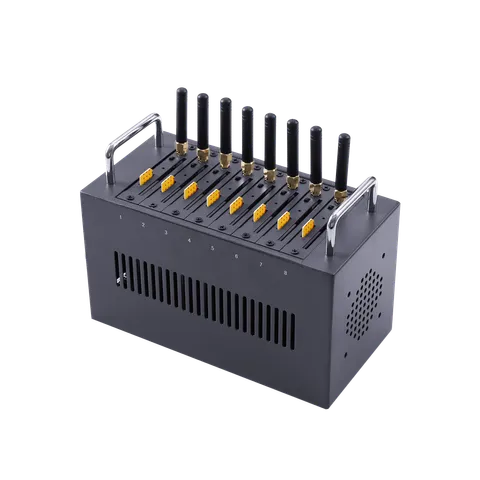
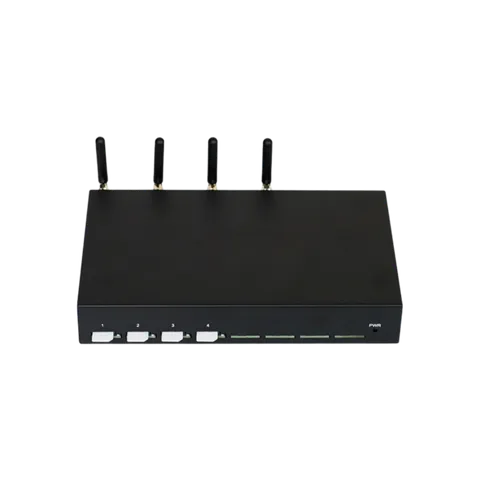
4.1 GoIP4: The Practical Choice for Small Teams and Backup Lines
Best for:
- Startups with fewer than 5 people.
- Small hotel/B&B front desks.
- A “GSM backup line” in a large enterprise server room.
- A single department piloting a VoIP transformation.
Advantages:
- Lowest cost (around the $100 mark).
- Compact size; fits in any desktop corner.
- 4 concurrent channels are more than enough for low-frequency use.
- Plug in the SIM, configure SIP, connect to the PBX—done in half an hour.
Not suitable for:
- Continuous outbound calling (a telemarketing team will max out 4 channels instantly).
- Multi-seat shared lines (more than 4 people calling simultaneously will cause congestion).
- Bulk OTP SMS sending (each SMS occupies a channel for seconds to tens of seconds).
- Production environments requiring high availability (single unit, no redundancy).
Real-world case: One of our clients is a 3-person foreign trade team. Each person makes 10–20 calls to overseas clients daily, with peak simultaneous calls never exceeding 2. The GoIP4 ran for 14 months without a single issue until the team grew to 7 people, at which point they added a GoIP8.
4.2 GoIP8: The Sweet Spot for Mid-Sized Teams
Best for:
- 8–12 person telemarketing/customer service teams.
- SMBs where multiple departments share mobile lines.
- Offices needing a combination of backup + primary lines.
- Small to mid-sized call centers with 200–500 outbound calls per day.
Advantages:
- 8 concurrent channels cover the peak demand of most small to mid-sized teams.
- About 40% cheaper than the GoIP16 (around the $378 mark).
- Supports SIM Bank expansion, leaving an interface for future scaling.
- A single unit can support a standard 8-seat team for a full day.
Not suitable for:
- Teams with sustained peak concurrency above 8 channels (e.g., a 15-person telemarketing team with all agents dialing during the morning peak).
- Scenarios requiring centralized hosting of 50+ SIM cards for number pool rotation (8 slots aren’t enough).
- Environments extremely sensitive to rack space (the GoIP8 is a size larger than the GoIP4).
Real-world case: A 10-person insurance telemarketing team has a peak concurrency of 7 during the 9:30–10:30 morning rush. The GoIP8 delivered voice latency under 150ms at full 7-channel load, with the 8th channel reserved as headroom and never used. After 8 months, the team grew to 16 people, and they added a second GoIP8 (rather than replacing it with a GoIP16). Both units registered in parallel to the same FreePBX, achieving zero-downtime expansion.
4.3 GoIP16: The Professional Tool for High-Density Scenarios
Best for:
- Call centers with 20+ seats.
- Enterprises needing centralized management of 16+ SIM cards.
- Mixed voice + SMS operations (OTP verification, notification pushes).
- Deployments with compliance requirements for number rotation and IMEI switching.
Advantages:
- 16 concurrent channels support large seat groups.
- 16 SIM slots support mixed insertion of multiple carriers.
- Works with SIM32/SIM128 Bank for centralized number management.
- Auto IMEI switching and USSD recharge reduce manual operations.
- Rack-mountable, suitable for centralized server room deployment.
Not suitable for:
- Micro-enterprises with fewer than 5 people (90% of capacity sits idle).
- Small offices with fewer than 50 outbound calls per day.
- Environments with unstable power (multi-channel RF handshake causes significant power fluctuation).
- Budget-constrained teams with concurrency needs under 8 channels.
Real-world case: A cross-border logistics company’s customer service center has 32 seats across three shifts, with a peak concurrency of 14. They deployed two GoIP16 units (32 channels total) paired with a SIM Bank 128-port chassis to centrally manage 96 SIM cards. Through USSD automatic balance queries and threshold recharging, the number pool remained available 24/7. A single GoIP16 failure does not affect the other, and the redundant design achieved 99.7% annual availability.
5. Designing Your Expansion Path
The biggest engineering advantage of the GoIP series is its foundation on the standard SIP protocol. Multiple devices can register in parallel under the same PBX. This means your expansion path isn’t “sell the small one and buy the big one”—it’s “add the small one and use it alongside the existing one.”
5.1 Typical Expansion Roadmap
| Stage | Team Size | Deployment Plan | Concurrency Capacity |
|---|---|---|---|
| Startup | 1–5 people | 1× GoIP4 | 4 channels |
| Growth | 6–12 people | 1× GoIP8 or 2× GoIP4 | 8 channels |
| Expansion | 13–20 people | 2× GoIP8 | 16 channels |
| Scale | 21–40 people | 2× GoIP16 + SIM Bank | 32 channels |
| Large | 40+ people | 3× GoIP16 or migrate to SK VoIP 32-port series | 48+ channels |
5.2 Key PBX Configuration Points for Expansion
Using FreePBX/Asterisk as an example:
- Register each GoIP as an independent SIP trunk with a distinct trunk name (e.g.,
goip8-01,goip8-02). - Outbound routes by weight: set a ratio (e.g., 60% to the first unit, 40% to the second) or a failover sequence.
- Inbound routes by DID: SIM numbers on different GoIPs map to different IVR entries or queues.
- Independent monitoring: assign a dedicated IP to each device for easier fault isolation.
5.3 When to Consider a Platform Change
When your concurrency needs exceed 48 channels, or you require:
- 4G VoLTE support.
- Single device with >32 ports.
- Voice + SMS integration (the GoIP series is voice-centric with limited SMS capability).
At this point, we recommend evaluating Telarvo’s SK VoIP Gateway series (4–32 ports, supporting 4G, SMS + Voice dual-mode), or considering a multi-site distributed deployment.
6. Testing and Validation: A Must Before Purchase
We strongly recommend buying a single sample unit for at least 48 hours of testing and validation before bulk purchasing. Here is our standard test checklist:
6.1 Basic Interoperability Testing
| Test Item | Procedure | Pass Criteria |
|---|---|---|
| SIP Registration | Add the GoIP as a trunk in the PBX, fill in IP/port/credentials | Registration successful, status shows “OK” within ≤30 seconds |
| Outbound Test | Dial an external number from a PBX extension, route through GoIP | Call connects normally, two-way audio is clear |
| Inbound Test | Call the SIM number on the GoIP from a mobile phone | PBX receives SIP INVITE, routes to the target extension |
| Concurrency Limit | Gradually initiate calls up to the rated channel count (e.g., 8 calls on a GoIP8) | The 8th call connects normally, no busy tone, no dropped calls |
6.2 Stress and Stability Testing
| Test Item | Procedure | Pass Criteria |
|---|---|---|
| Full-Load Voice Quality | 8 concurrent calls (GoIP8) for 30 minutes, PCMU codec | MOS ≥3.5, latency <200ms, no choppiness |
| Sustained Load | Run a loop call script for 2 hours, 60 seconds per call | No device reboots, no SIP registration drops |
| SIM Signal Strength | Insert the target carrier SIM, observe the web management UI | Signal ≥-85dBm (good); below -95dBm requires antenna adjustment |
| Power Recovery | Unplug power for 10 seconds, then power back on | Automatically restores SIP registration, no manual intervention needed |
6.3 Advanced Feature Testing (As Needed)
| Test Item | Applicable Scenario |
|---|---|
| Signaling Encryption | Deployments with call security requirements |
| IMEI Switching | Scenarios requiring evasion of carrier risk controls |
| SIM Bank Integration | Deployments planning to use remote SIM management |
| USSD Balance Query | Automated O&M process validation |
Test Record Template (fill in your actual data at publication):
- Test Device: GoIP, Firmware Version:
- Test PBX: ___ (Asterisk 16 / FreePBX 15 / 3CX v18 / Other)
- Carrier SIM: ___ (China Mobile / Telkomsel / AIS / Other)
- Measured Peak Concurrency: ___ channels, sustained for ___ minutes
- Average MOS at Full Load: ___
- Continuous Operation for ___ hours without failure: ✓ / ✗
7. Deployment Pitfalls and Common Issues
7.1 Antennas and Signal
The GoIP’s built-in antenna has limited power. If the server room is in a basement or inside a metal cabinet, signal attenuation is severe. Practical experience:
- Signal < -95dBm causes noticeable degradation in call quality and increased drop rates.
- Solution: Use an external high-gain antenna (3–5dBi) and run an extension cable to a window or rooftop.
- Signal strength can vary significantly between carriers. Test 2–3 carriers before bulk purchasing SIM cards.
7.2 Heat Dissipation and Power
- The GoIP8/16 generates significant heat under full multi-channel load. Running it in a sealed cabinet without a fan is not recommended.
- RF handshakes cause instantaneous power fluctuations. Use a UPS or voltage regulator.
- We once saw a GoIP16 in an air-conditioned-less server room repeatedly drop SIP registration due to overheating in summer. Adding a small 12V fan solved the problem.
7.3 PBX Compatibility
- Asterisk / FreePBX: Perfectly compatible, simple configuration.
- 3CX: Community documentation indicates that GSM gateways are recommended only for local deployments and not recommended with cloud-hosted PBX.
- Yeastar: Some models require manual SIP trunk parameter addition.
- Cloud PBX (FreeSWITCH on AWS/GCP): Network latency >50ms may affect SIP registration stability. Co-locate in the same region or use a VPN.
7.4 SIM Card Management
- When inserting cards in bulk, be aware of the carrier’s “multi-card same location” risk control policy (some carriers restrict multiple cards registering under the same base station simultaneously).
- Mix SIM cards from different carriers to spread risk.
- Regularly query balances via USSD and set low-balance alert thresholds.
8. Selection Checklist (Pre-Launch)
- [ ] Counted the number of simultaneous calls during the busiest period of the past week.
- [ ] Confirmed 2G/4G network availability in the target market.
- [ ] Confirmed PBX compatibility with third-party SIP gateways.
- [ ] Confirmed the physical specs provided by the supplier (number of network ports, processor model).
- [ ] Prepared at least one sample unit for 48-hour testing.
- [ ] If SMS functionality is needed, confirmed whether a SIM Bank or an independent SMS gateway is required.
- [ ] Confirmed the power and cooling solution.
- [ ] Confirmed the after-sales support channel (warranty period, response time).
9. FAQ
Q1: We only have 4 people. Is buying a GoIP16 a waste? From a concurrency perspective, most likely yes. A 4-person team’s peak simultaneous calls typically do not exceed 2–3 channels, making the GoIP4 more than sufficient. The GoIP16’s 16 channels provide zero benefit under low load, while consuming rack space and more power. The only exception is if you are certain the team will grow to 20+ people within 3 months and have the budget to plan ahead.
Q2: Besides channel count, what hardware differences exist between the GoIP8 and GoIP16? According to Telarvo’s official public materials, the protocol support (SIP/H.323), signaling encryption, and network standard (2G quad-band) are consistent across all three models. The core differences lie in: channel/SIM slot count, power specifications, and physical dimensions. The GoIP16 has more channels, higher RF module density, and correspondingly higher cooling and power requirements. For specific processor models and memory configurations, please refer to the physical unit or the manufacturer’s latest manual, as they may vary by batch.
Q3: My business is growing, and 4 channels aren’t enough. Can I expand smoothly? Absolutely. The GoIP series is based on the standard SIP protocol. Simply add a new GoIP8 or GoIP16, register it to the same PBX, and split traffic through routing rules. The existing GoIP4 continues to work and does not need to be retired. The most typical expansion path we’ve seen is: 1×GoIP4 → 2×GoIP4 → 1×GoIP8 + 1×GoIP4 → 2×GoIP8. The entire process only requires adding a trunk in the PBX configuration without affecting existing calls.
Q4: What scenarios is the GoIP16’s remote SIM management feature suitable for? It is suitable for scenarios with a large number of SIM cards (32+), requiring centralized management and avoiding frequent manual card swapping. Paired with a Telarvo SIM32 or SIM128 Bank, the device is centrally deployed in the server room, and the SIM cards are placed in the Bank, mapped remotely to the GoIP’s virtual card slots over the network. Operations staff can change numbers, rotate cards, and check balances without visiting the device site. However, if you have fewer than 10 SIM cards, manual card swapping is more economical than using a SIM Bank.
Q5: How does the 2G sunset affect me? How do I determine it? If your GoIP is only a 2G version and the local carrier has shut down its 2G network, the device will not be able to register any SIM card—rendering it useless. To determine this: check the carrier’s official website for the “network standard support” page, or call the carrier’s customer service to confirm the 2G sunset timeline. If the network has already been shut down or is about to be, you need to choose a 4G version device (e.g., the SK VoIP Gateway series).
Q6: Can 3CX work with GoIP? Technically, yes. 3CX supports connecting to GoIP via SIP trunk. However, 3CX community documentation explicitly recommends that GSM gateways be used only for local deployments and not with cloud-hosted PBX. If you are using 3CX Cloud, you may need additional STUN or VPN configuration to achieve stable connectivity.
References
- Telarvo Official Product Page — GOIP1 Product Overview (2G specs, SIM32/128 support, signaling encryption, auto IMEI, and USSD)
- Telarvo Store Blog — GSM Voice Gateway Equipment: Specs and Selection for Mobile-Number Voice
- Telarvo Store Blog — GoIP Gateway for Call Center: A Growth Roadmap from 8 Seats to 40
- 3CX Community — 3CX and Yeastar TG100 GSM Gateway (GSM gateway and cloud PBX compatibility discussion)
- Hybertone — GoIP User Manual (Early version, used to illustrate generational hardware differences)
Blog
Learn more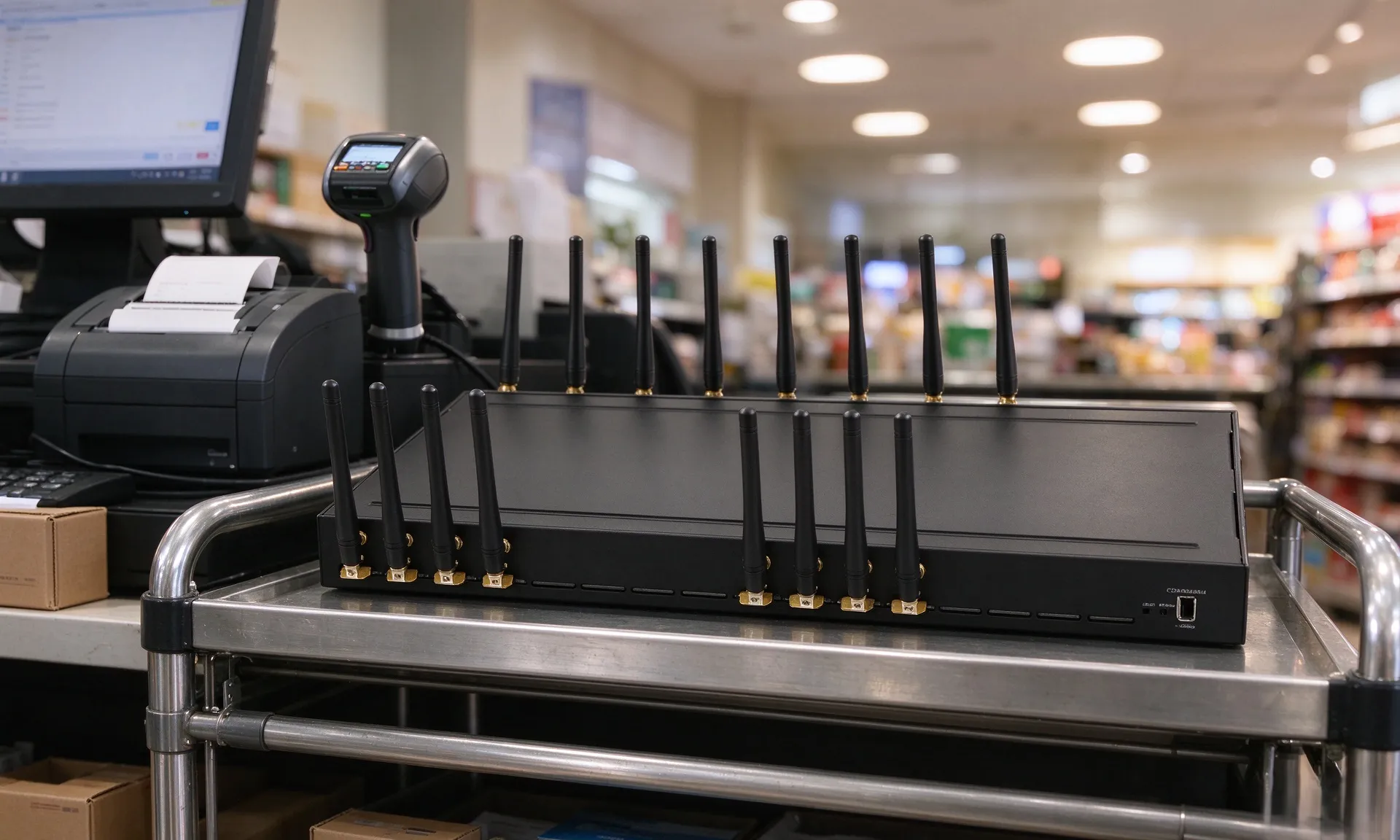
GSM VoIP Gateway 32-512 vs PSTN Analog Gateway: Call Center Trunk Selection Guide
Compare VoIP Gateway 32-512 GSM gateways against traditional analog FXO PSTN gateways for call centers: concurrency, cost, numbering, carrier risk, and operational effort.
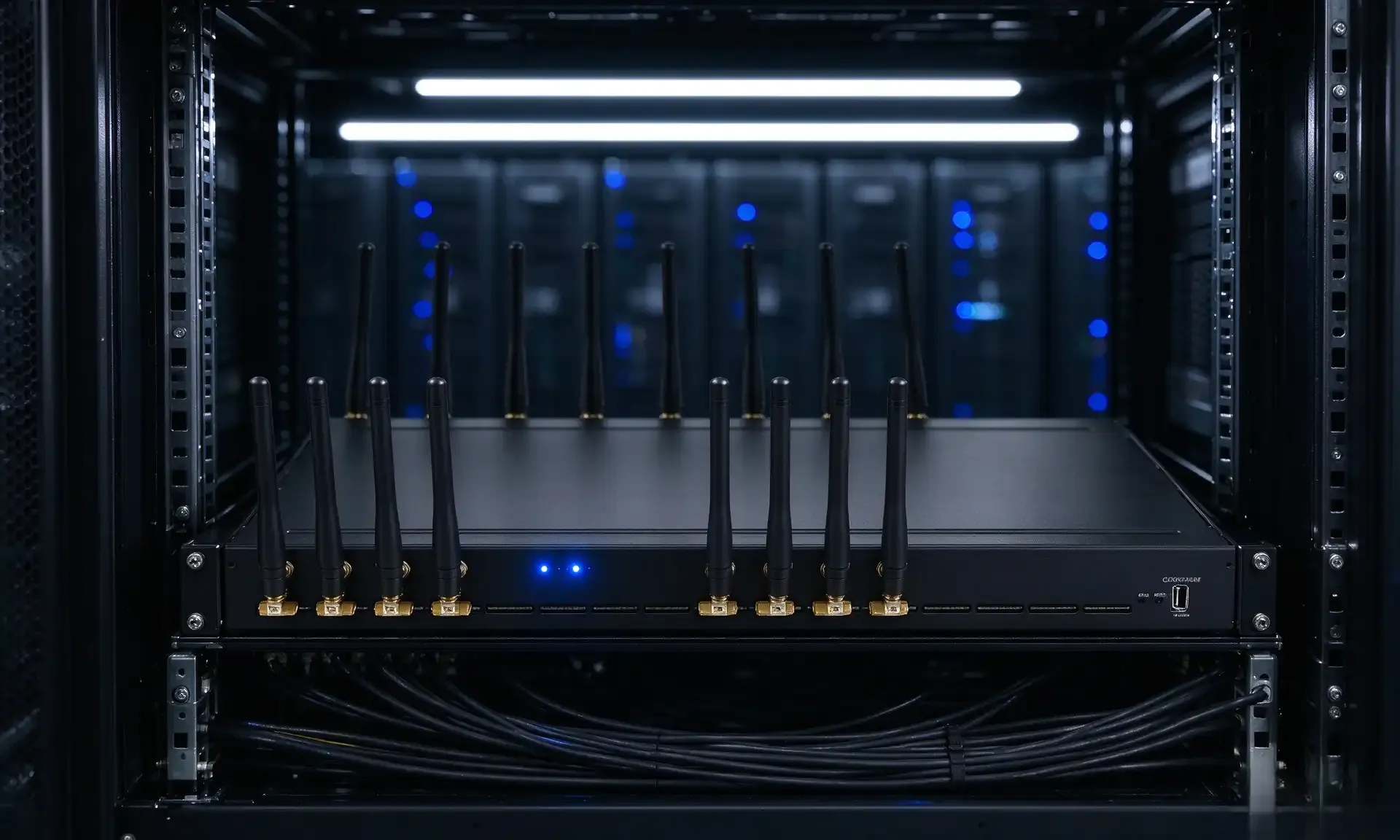
GoIP4 SMPP OTP SMS Setup: Integration Pitfalls & Configuration Guide
Practical GoIP4 SMPP integration notes for e-commerce OTP. Covers SMPP enablement, DLR mapping, concatenated SMS bugs, and production best practices.
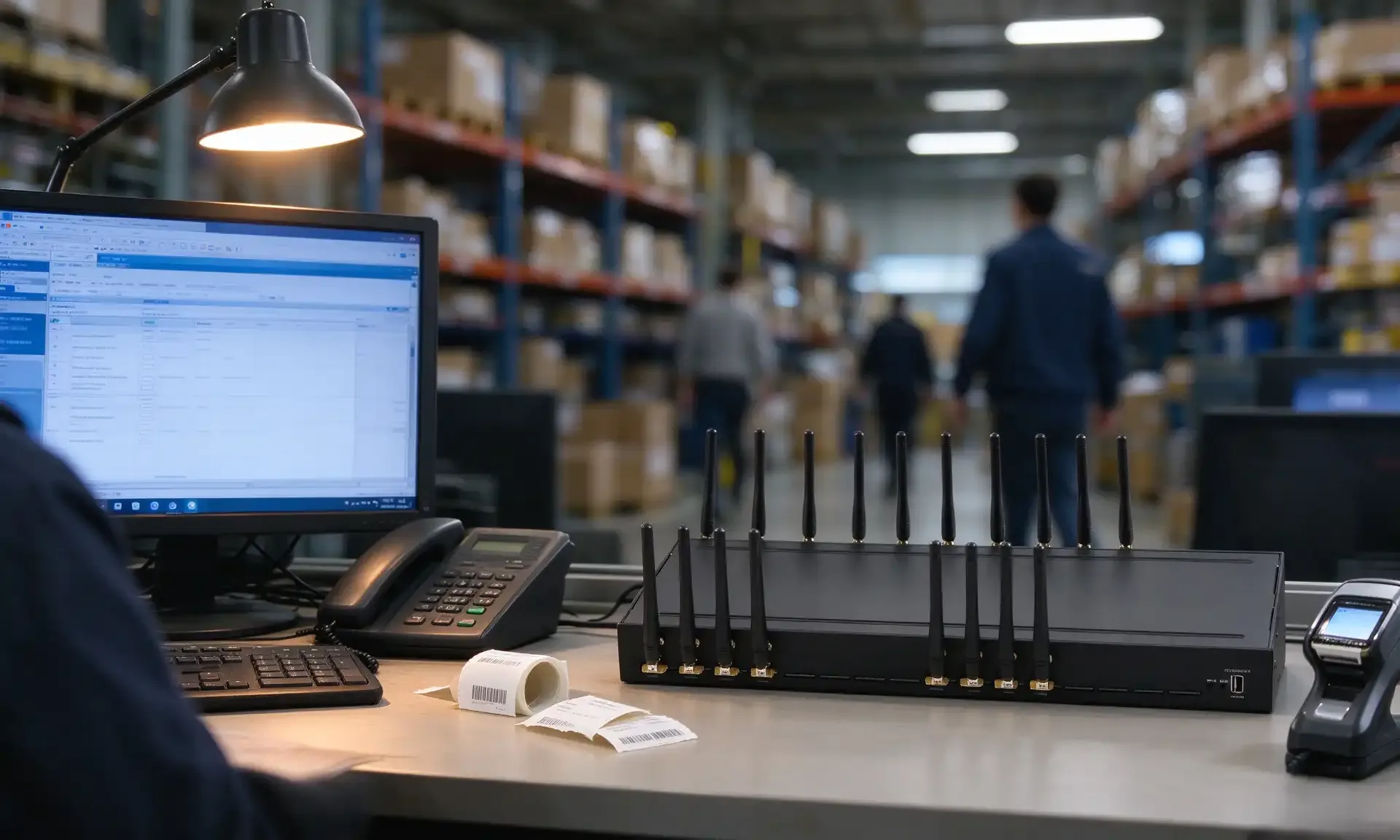
VOIP Gateway Cost Benefit Analysis: GSM Gateway vs PSTN Analog Gateway Comparison
Our VOIP gateway cost benefit analysis compares the VOIP Gateway 32-512 and traditional analog FXO gateways, covering pricing, scaling, carrier risk and call center use cases.