High-Capacity Multi-SIM SMS Gateway Installation Steps: A Practical Guide
📑 Table of Contents
- From Unboxing to Live Traffic
- Hardware Prep and the Standard Network Bring-Up Sequence
- Why Protocol Choice at Install Time Matters More Than Port Count
- Optimizing Multi SIM Capacity
- Installation & Configuration Q&A
From Unboxing to Live Traffic
Most ops engineers unbox a high-density SMS gateway, plug in the Ethernet cable, power it on, and start jamming SIM cards into the slots. Then the device refuses to register half the cards, or the gateway keeps dropping offline. Last month, a cross-border logistics client hit exactly this wall: they bought a multi-SIM gateway, ignored the power spec and card insertion sequence, and the device died during peak hours. Delivery notifications piled up in the queue. Installing a device with serious SMS gateway multi SIM capacity is not plug-and-play. It requires precise physical prep and parameter configuration. According to the GSMA Mobile Economy Asia Pacific 2025 report, the region’s mobile ecosystem contributed $950 billion in economic value in 2024, with 5G connections projected to reach 50% by 2030. As mobile data traffic keeps expanding, SMS gateway concurrency is shifting from “good enough” to “must be redundant.”
Hardware Prep and the Standard Network Bring-Up Sequence
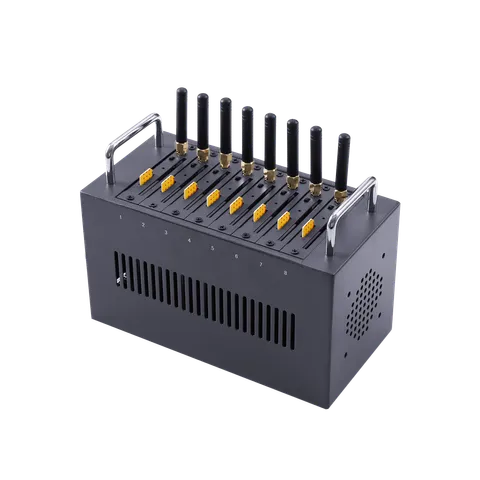
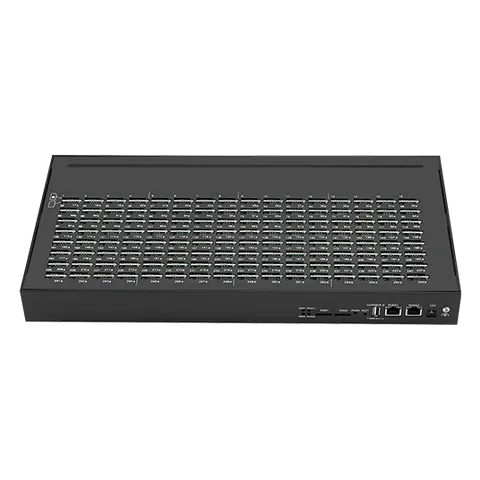
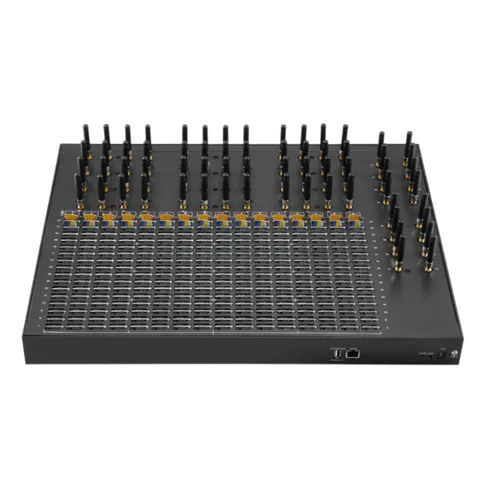
Take the Telarvo SK-SMS 16-128. It has 128 SIM slots. Per Telarvo’s official product page, the unit lists at $970 and sits in the middle of the SK-SMS Gateway lineup for mid-scale deployments. The first step after unboxing is not power. It’s antenna installation and power verification. The device specifies 12V5A input. A cheap or mismatched adapter will cause voltage sag during high-concurrency sends and trigger module reboots. Next, with the device powered off, slide all 128 SIM cards in flat. Don’t force them or you’ll bend the contacts. Once the physical work is done, connect the WAN port to your router and power on.

Once hardware is ready, move to network configuration. The device runs on an IP-based architecture, so assign it a static LAN IP through the admin panel. Then comes the core step: configuring SMPP and HTTP API interfaces. Telarvo’s gateway lets you set credentials, endpoints, and routing rules over the network and connect the device directly to your SMS platform. For web apps, HTTP API is the lightweight path. For high-throughput systems, SMPP gives you far tighter delivery receipt accuracy.
Why Protocol Choice at Install Time Matters More Than Port Count
Plenty of engineers default to HTTP API during setup and only discover the receipt latency problem after go-live. According to IDT Express’s SMPP technical documentation, SMPP uses persistent TCP connections to achieve extremely low-overhead, high-throughput transmission—a single connection typically supports 50 to 300 messages per second, and multi-binding parallelism can reach thousands per second. HTTP API opens a new connection per request, which adds significant overhead at high concurrency. More importantly, SMPP natively supports deliver_sm delivery receipts, which matters for OTP and financial notifications. If your system already talks SMPP to an aggregation platform, switching to a Telarvo device keeps the protocol layer unchanged—just point the target IP from the aggregator’s gateway address to the device’s IP.
Optimizing Multi SIM Capacity: Unlocking the Hardware’s Real Throughput
Why do so many companies buy a 128-slot device and still can’t hit expected throughput? Because they never configured load balancing. On this device, you must set SIM rotation rules. Telarvo supports automatic or manual rotation, combined with 2G/4G auto-switching. When a card or a network band fluctuates, the system switches seamlessly. That’s what keeps high-throughput sending stable. SMS encoding also directly affects real-world send efficiency after install. Per Twilio’s encoding documentation, GSM-7 supports 160 characters per segment, while UCS-2—triggered by Chinese characters or emoji—drops to 70 characters per segment, with concatenated segments carrying 153 or 67 characters respectively. When configuring API templates, confirm the character set. Otherwise an encoding switch can double your cost overnight.
| Configuration Dimension | Telarvo SK-SMS 16-128 Core Specs & Actions |
|---|---|
| Hardware | 128 SIM slots, 1 WAN port, 12V5A power |
| Network | 2G/4G hybrid, auto-switch on signal loss |
| Interfaces | IP-based, SMPP and HTTP API |
| Cost | $970.00 (free shipping, ships within 2 days) |
After configuration, run a live send-and-receive test. Telarvo provides 7x12 one-on-one support. If you hit a wall on API integration or routing rules, the technical team can help you debug and get the device running at full capacity.
About Telarvo Telarvo Telecom Co., Ltd. builds high-reliability, easy-to-deploy communications hardware. Our SK-SMS gateways turn complex carrier-grade configuration into clear steps—from power specs at rack time to SMPP interface debugging—with full technical documentation. Every product carries a 12-month warranty to lower the integration barrier. If you need help deploying a multi-SIM gateway, reach out to our engineering team.
💡 Installation & Configuration Q&A (Short Assertions)
Q1: Why does the device still drop offline after enabling 2G/4G auto-switch? Timeout threshold is set too short. Give the module 5–10 seconds of headroom. Don’t expect the system to guess for you.
Q2: Why are cards still getting blocked on a 128-slot device? Rotation granularity is too coarse. Sequential rotation is lazy configuration. Use the API to set a per-card hourly send cap.
Q3: SMPP binding—transmitter or transceiver? Transmitter for one-way send. Transceiver if you need to handle user replies. Open multiple transmitter bindings under high concurrency.
Q4: Can the bundled software read MySQL directly? No. Write a middleware script and push data via HTTP API. Don’t touch production tables during debugging.
Q5: Will a hot equipment room shorten module lifespan? Yes. Add a rack fan, leave 10cm clearance, don’t stack. The 12V5A spec isn’t decorative.
Q6: How do I test WAN packet loss without third-party tools? Ping 8.8.8.8 from the admin panel, send 1000 packets. Above 1% loss, check the cable and port speed limits.
Sources:
- GSMA — Mobile Economy Asia Pacific 2025
- IDT Express — SMPP (Short Message Peer-to-Peer Protocol)
- Twilio — SMS Character Limit and Encoding
- Telarvo Blog — Wholesale SMS Gateway Equipment
Published: 2026-10-15 | Last Updated: 2026-10-27 Corrections or feedback: service@telarvo.com
Blog
Learn more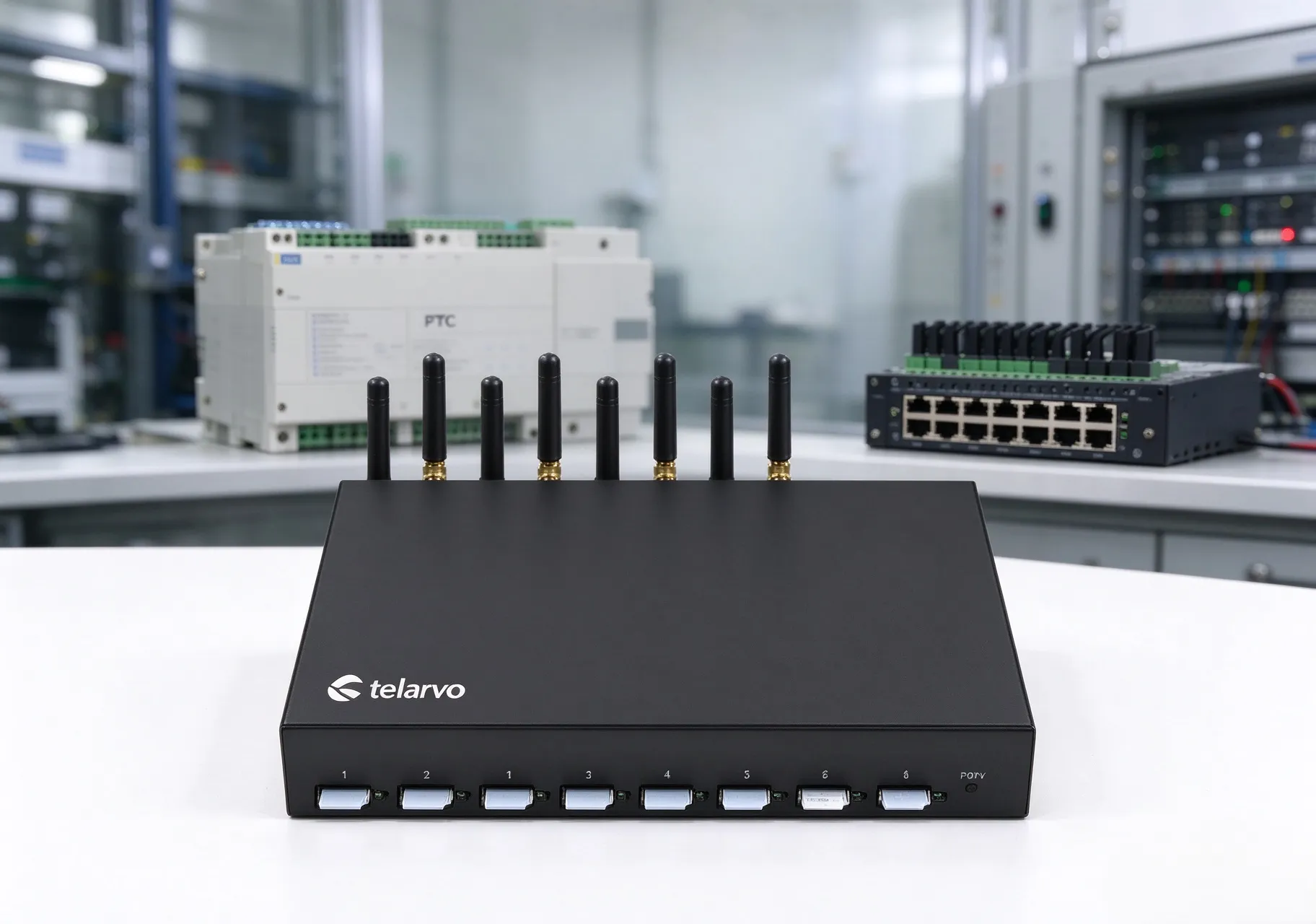
Secure SMS Gateway for Business: 64-Port Deployment Lessons
A real-world retrospective of switching from SMS aggregators to a secure SMS gateway for business. Covers hardware setup, SIM management, API integration, and compliance pitfalls from a 64-port rollout.
How to Select an Automated SMS SIM Card Pool Provider: Procurement Comparison Between Telarvo and Different Supplier Typ
Compare Telarvo SMS gateway & SIM pool hardware vs modem pools, temporary OTP services, IoT SIM platforms and SMS gateway software for enterprise SMS procurement.
In-House SMS Platform Cost Checklist: Are You Missing These 8 Budget Items?
Cost estimation for building an in-house SMS platform often misses 8 hidden budget items. See hardware, labor, compliance, and infrastructure costs.