Cutting OTP Delays with Multi SIM Capacity in Your SMS Gateway Installation Steps
📑 Table of Contents
- OTP Delayed by 5 Seconds?
- Deployment Step One
- Breaking the Risk Control Deadlock
- Direct Internal Connection
- OTP & Verification Field FAQ
How Multi SIM Capacity Gateway Deployment Protects Your Conversion Floor
Last month, an operations director at a fintech app vented to me: their OTP delivery delay rate had spiked to 15%. After digging in, they found that one carrier’s gateway was experiencing localized congestion, and every single verification message was stuck on that one channel. Have you ever wondered why your multi-SIM gateway—despite being fully loaded with cards—still drops the ball at the worst possible moment? The answer usually hides in the routing strategy configured during installation. Sinch industry data shows 61% of 2024 consumers expect 2FA messages within one minute. That window is the floor any OTP system must defend.
Deployment Step One: Activate 2G/4G Auto-Switching
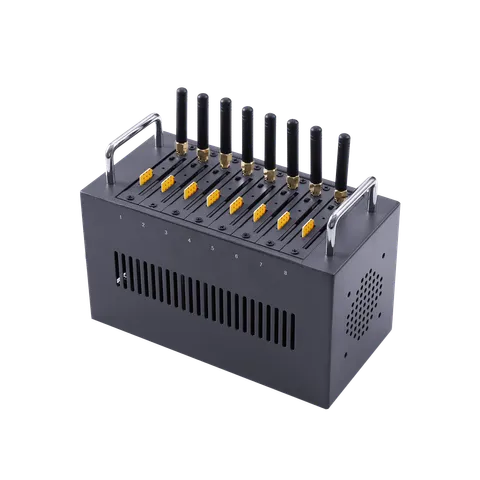
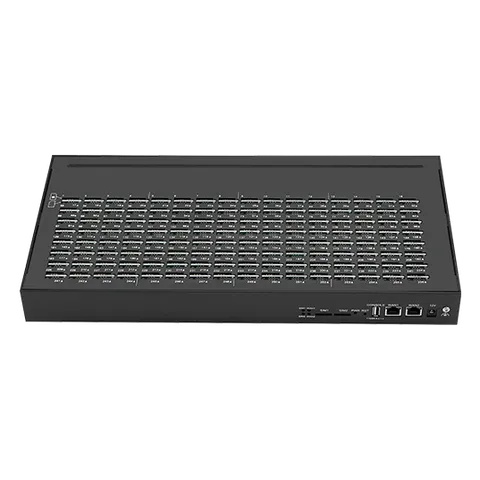
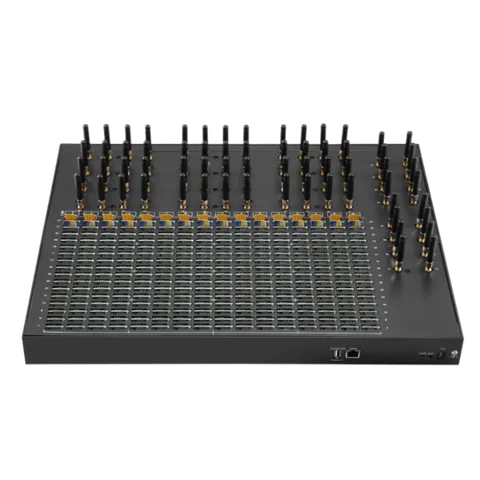
In ticketing, transit, and financial payments, millisecond-level latency is fatal. When you receive a device like the SK SMS Gateway 64 512 with 512 card slots, the install step is not just “plug it in.” The first thing you do in the admin panel is force-enable hybrid 2G and 4G mode. Often a card gets throttled on the 4G band by carrier risk control, but switching to 2G still fires the message instantly. Telarvo’s dual-network redundancy must be configured at deployment as “auto-detect, seamless switch” to drive packet loss from network fluctuation to the floor.
Breaking the Risk Control Deadlock: More Slots Doesn’t Mean More Sends
Many operators assume that a 128- or 512-slot gateway with every slot filled means they can blast away. Wrong. If you don’t configure rotation rules at install time, a single SIM card sending at high concurrency in a short window will still trigger carrier risk control and get suspended. Per Sinch’s documentation on rejected messages, carriers may block messages due to local regulations, spam filtering, or messages being deemed unsolicited—content filtering is also a common cause. In our deployment practice, I advise clients to use the device’s auto or manual rotation feature combined with API parameters to cap per-card send frequency at a sensible threshold.
SMS encoding also directly affects OTP delivery efficiency. Per Twilio’s encoding documentation, if an OTP template contains any non-GSM-7 character—Chinese, special symbols, even curly quotes—the entire message switches to UCS-2 encoding, and the per-segment limit drops from 160 to 70 characters. That means an OTP that could have gone out in one segment gets split into two, raising both latency and cost. At deployment time, confirm the character set of your OTP templates and keep them pure GSM-7 wherever possible.
| OTP Install Pain Point | Telarvo Device Deployment Response |
|---|---|
| Peak-hour channel congestion | Cross-SIM load balancing in admin; device spreads requests across idle cards |
| Sudden single-carrier blocking | Multi-carrier flexible routing; switch within seconds when one band fails |
| Remote-area signal dead zones | Force 2G/4G dual-mode auto-switch at deploy; reach even in extreme network conditions |
| Slow internal integration | HTTP API lightweight integration; front end fires request, device sends via slot |
Direct Internal Connection: The Last Step in Data Privacy
For organizations handling sensitive information, deploying the device on the local intranet is critical. Connect the WAN port behind the firewall and point the API directly at your internal server. Verification data never traverses a third-party cloud gateway—latency drops and data security stays in your hands. On the protocol side, SMPP’s deliver_sm receipt mechanism lets ops teams pinpoint the final state of every OTP: “submitted to carrier” vs. “delivered to handset.” That distinction is crucial for diagnosing the “shows sent but user never received it” class of issues. After deployment, use Telarvo’s 12-month warranty and professional support to run a stress test and confirm the device can actually absorb an instantaneous traffic spike.
【About Telarvo】 In OTP and mission-critical notification scenarios, Telarvo hardware is your physical floor for protecting conversion. We offer configurations from 16 ports to 512 slots, all natively supporting API interfaces and dual-network redundancy. Our engineering team doesn’t just help you deploy the device—we help you plan the initial routing strategy so every verification lands on time.
🛡️ OTP & Verification Field FAQ
Q1: Users complain they tap send and wait 30 seconds—sometimes they have to resend. How do I troubleshoot on the deployment side? When this happens, I usually tell the ops team to pull the detailed logs for that window and separate whether the problem is on the device-ingest side or the carrier-receipt side. If device ingest is slow, the concurrency queue is probably jammed, and you need to check SIM rotation liveness—see whether all requests are piling onto a handful of cards. If carrier receipts are slow, the current route is hitting risk control or localized congestion, and you need to immediately configure multi-carrier dynamic routing on the API side to steer traffic away from the failing node. Keep in mind that in OTP scenarios, 30 seconds without delivery means the user has already written off the attempt psychologically, so troubleshooting has to move fast.
Q2: I’m running a 16-128 gateway with low volume. Do I still need cross-SIM load balancing? Low volume doesn’t mean you won’t trigger risk control, and this is where a lot of newcomers get it wrong. A single SIM card sending continuously—even at modest total volume—easily draws carrier attention, which is fatal in financial verification scenarios. So my recommendation is: you don’t need to over-engineer it, but you must enable round-robin mode and spread OTP requests evenly across the 128 cards. There’s a side benefit too: it extends SIM card lifespan and flattens per-card cost consumption.
Q3: I added a smiley emoji to the template. Why did success rate and speed both collapse? That’s classic encoding downgrade. Emoji belong to the UCS-2 character set, and the moment you introduce one, the per-message capacity drops from GSM-7’s 160 characters to 70. If your signature plus the verification code already runs over 70 characters, the message gets forcibly split into two segments. So when I review OTP template design, I usually require banning every non-essential symbol and emoji to keep everything in GSM-7—that preserves both speed and cost.
Q4: In an internal direct-connect deployment, the firewall is blocking the device’s API receipt requests. What now? This is common in practice. SMPP and HTTP API receipts are actively pushed to a port on your server, so first check whether the server firewall has opened the corresponding inbound port, or whether NAT mapping is preventing external receipt packets from arriving. Also, if you’re using HTTPS callbacks, make sure the certificate is correctly deployed—otherwise the device will drop receipts on handshake failure, causing your system to misjudge the send as failed and fire duplicates.
Sources:
- Sinch — Understanding rejected messages
- Sinch — Master SMS Deliverability
- Twilio — SMS Character Limit and Encoding
- IDT Express — SMPP (Short Message Peer-to-Peer Protocol)
Published: 2026-10-15 | Last Updated: 2026-10-27 Corrections or feedback: service@telarvo.com
Blog
Learn more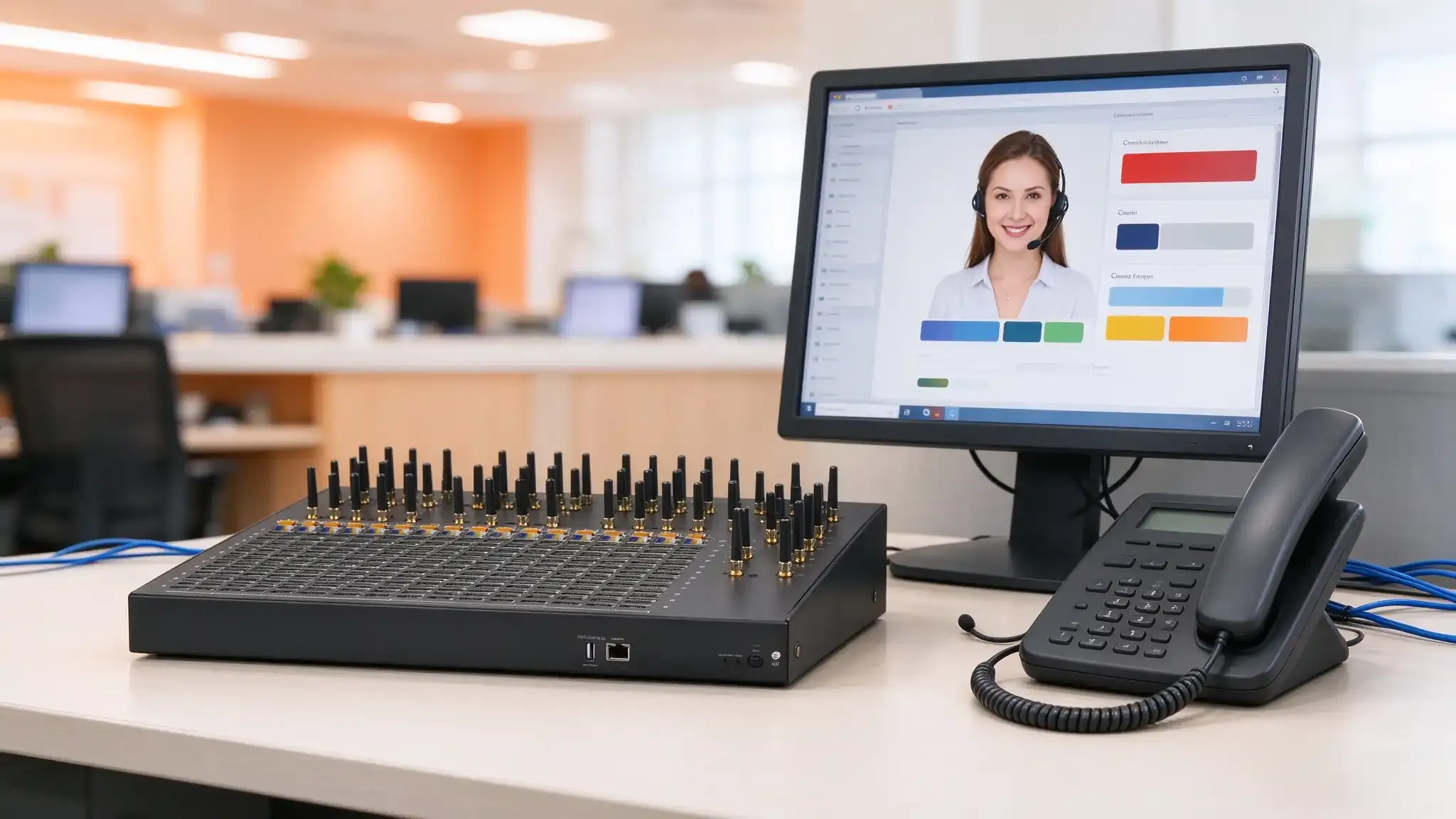
Why a Bulk SMS Campaign Gateway Hits Physical Limits at 512 SIM Slots
A 512-slot bulk SMS campaign gateway pushes power, heat, and protocol limits. See why SMPP beats HTTP and how SIM rotation avoids carrier blocks.
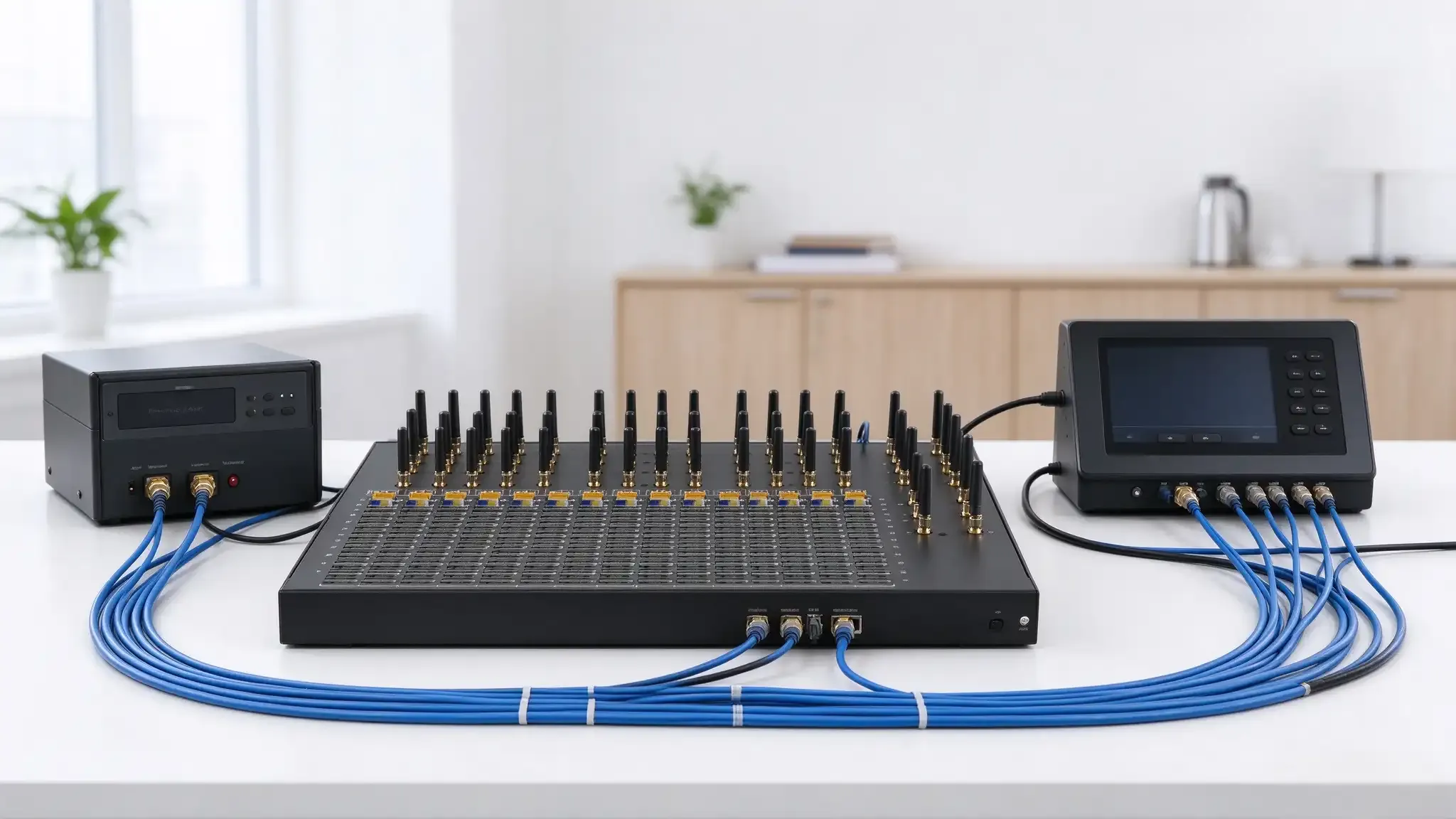
API Integration Logic of SMS Gateway Multi SIM Capacity: Why Protocol Choice Precedes Port Count
Why protocol choice matters more than port count when integrating an SMS gateway multi SIM capacity. Explains SMPP vs HTTP API boundaries, deliver_sm receipt tracking, API-driven SIM rotation, and multi-country deployment consistency.
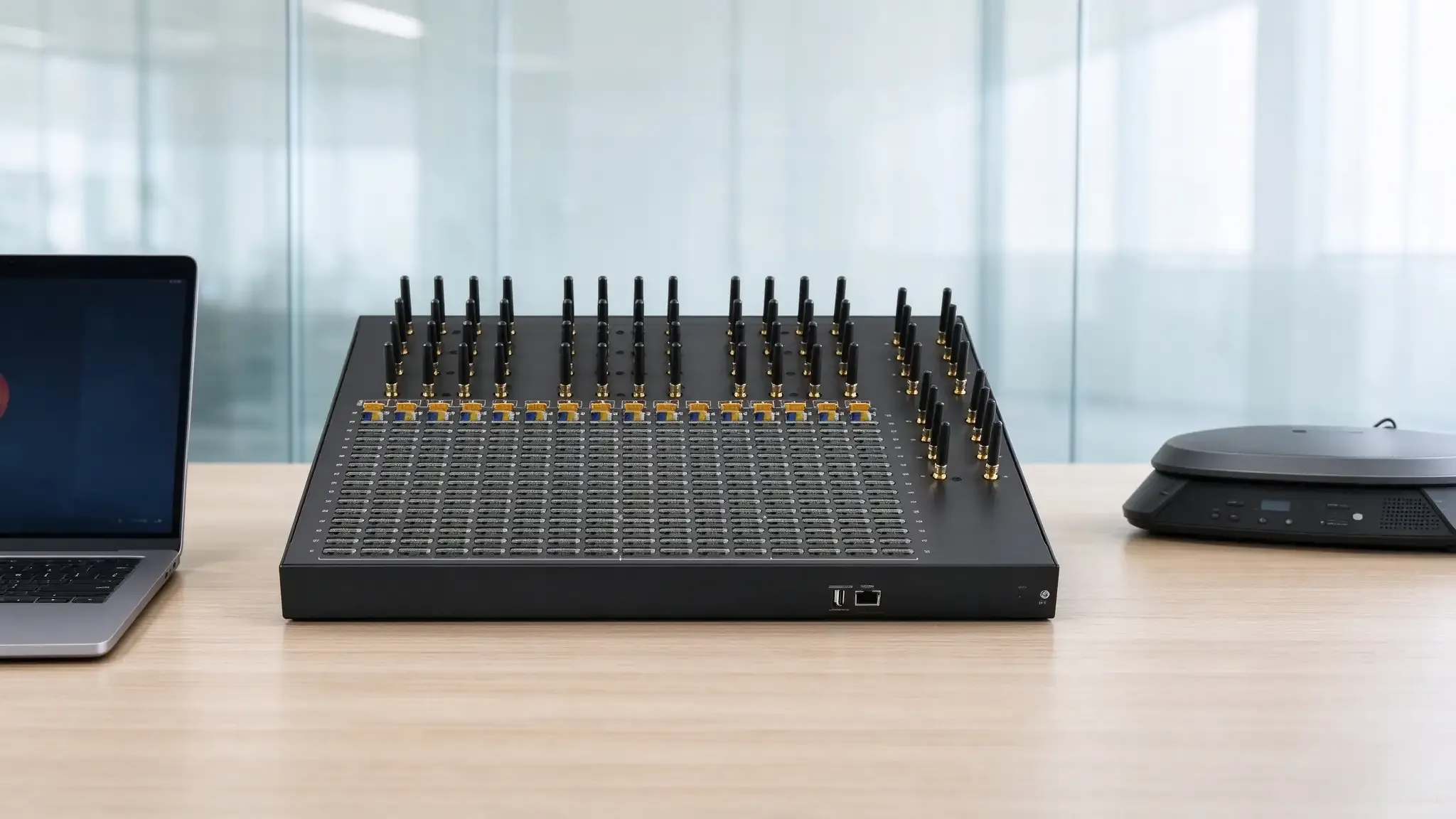
How SMS Gateway Multi SIM Capacity Withstands the OTP Storm: A 3-Second Delay Doubles User Churn
How SMS gateway multi SIM capacity architecture defends OTP delivery against carrier risk control and network fluctuation. Covers parallel processing, cross-SIM load balancing, dual-network redundancy, and API-level delivery monitoring for mission-critical verification systems.